
Choose
Share one resource with intent.
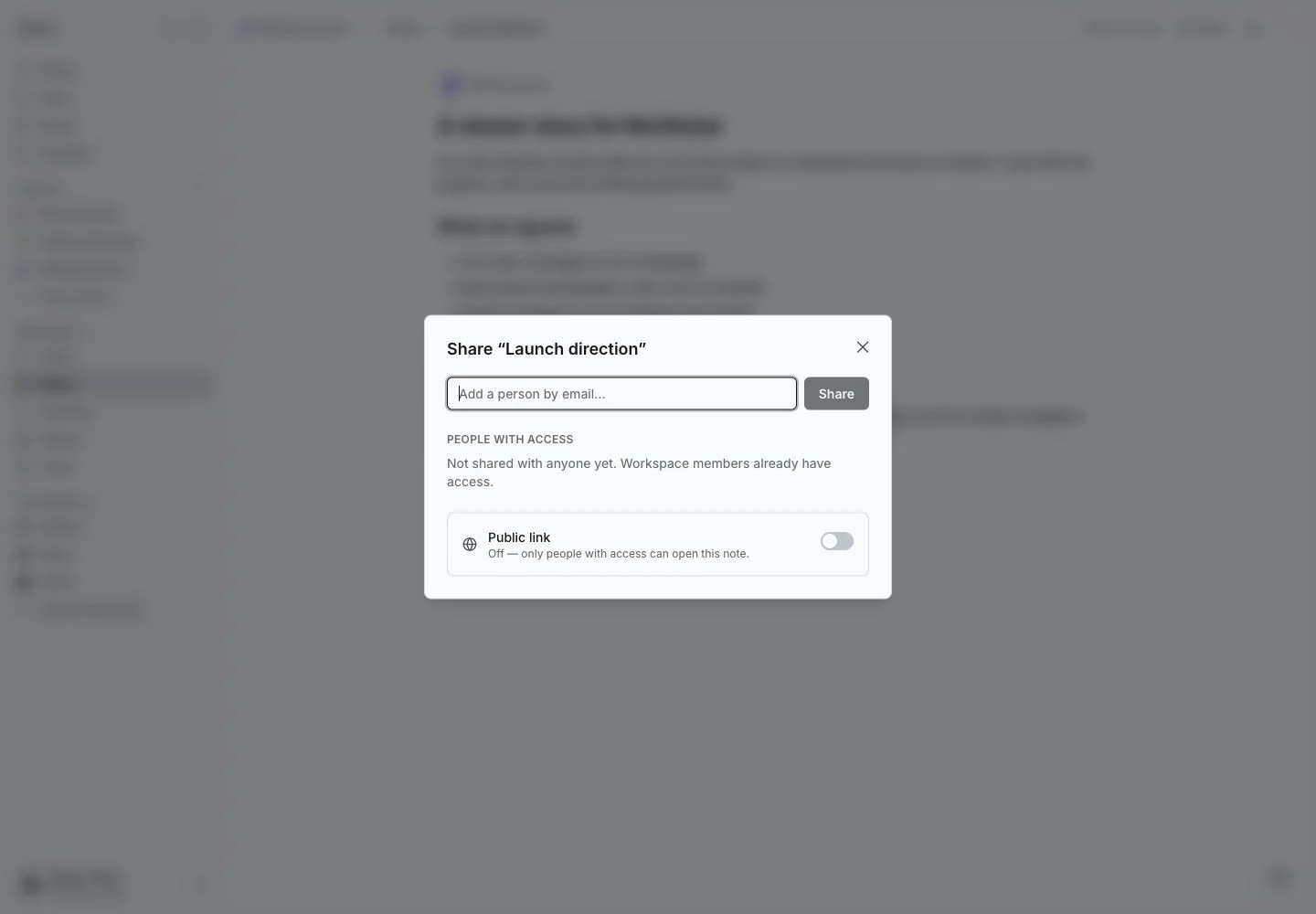
Create a read-only link to a board, note, task, sketch or sheet. The rest of the workspace stays private.
Sharing
Create a read-only link to a specific resource, or share work directly with another Avara user.
Choose
Create a read-only link to a board, note, task, sketch or sheet. The rest of the workspace stays private.
Invite
Share with an authenticated Avara user when the relationship should be explicit and attributable.
Control
See active shares, copy the right link and revoke access from the workspace when it is no longer needed.
Start with Free, then choose the plan that fits.